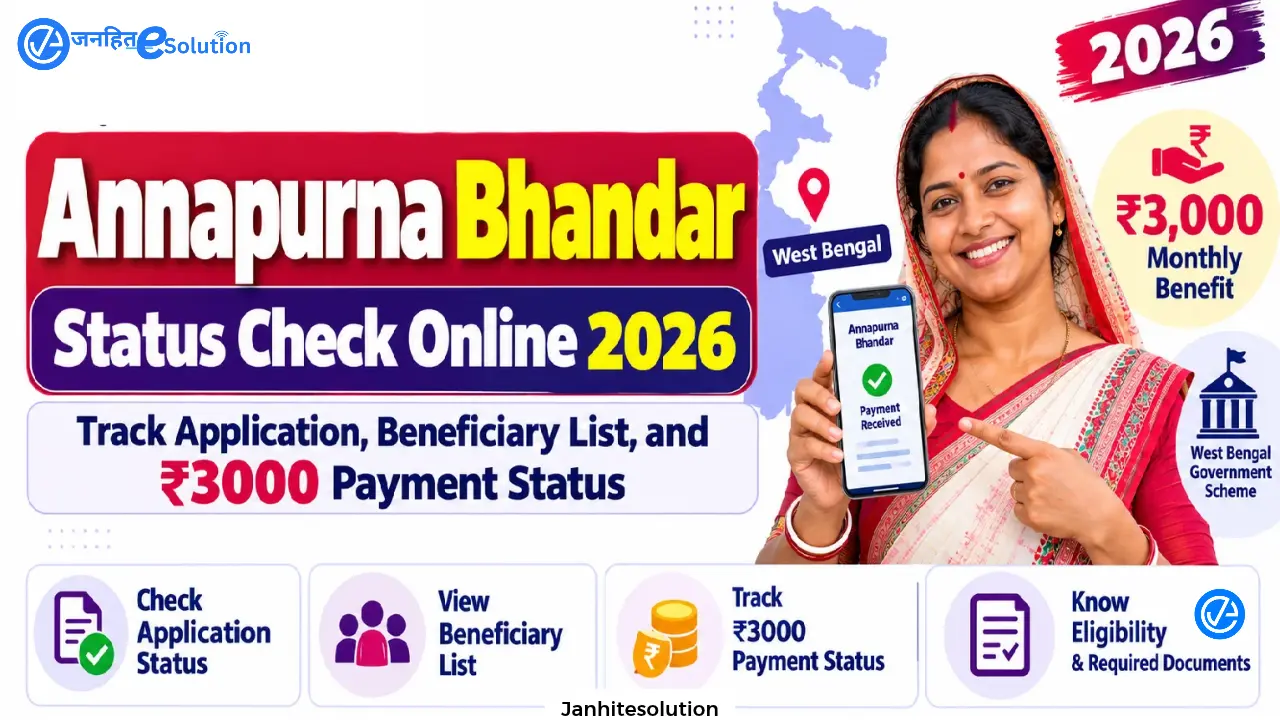
After submitting your application for the Annapurna Yojana West Bengal (commonly known as Annapurna Bhandar), tracking your application through the official portal is essential to ensure your documents are verified and monthly benefits begin without delay. Under this welfare program, eligible women receive ₹3,000 per month transferred directly into their Aadhaar-linked savings accounts through Direct Benefit Transfer (DBT).
The Government of West Bengal provides a dedicated digital tracking system on the official Social Registry Portal (socialregistry.wb.gov.in). Whether you applied online from home or submitted an 11-page physical form at a local Duare Sarkar camp, Gram Panchayat, or BDO office, this comprehensive guide explains how to perform an Annapurna Bhandar status check online, decode different processing remarks, verify DBT payment releases, and resolve stalled applications.
Table of Contents
Annapurna Bhandar Status Check Online: Quick Overview
| Feature | Details |
| Scheme Name | Annapurna Yojana / Annapurna Bhandar Scheme |
| Official Portal | socialregistry.wb.gov.in |
| Tracking Module | Track Application Status / Citizen Login |
| Search Credentials Accepted | Application ID, Aadhaar Number, Mobile Number, Swasthya Sathi Card No. |
| Monthly Benefit | ₹3,000 per month via Aadhaar DBT |
| Nodal Authority | Dept. of Women & Child Development and Social Welfare, West Bengal |
| Offline Verification Desk | Gram Panchayat / Municipality / BDO Office / SDO Office |
Methods to Check Annapurna Bhandar Status Online
Applicants can track Annapurna Bhandar Status and their progress using four identification credentials. Have one of these ready before accessing the Annapurna Bhandar Status Check Online portal:
- Application Reference ID: Printed on the digital acknowledgment receipt or physical receiving slip.
- Registered Mobile Number: The active 10-digit phone number entered during registration.
- Aadhaar Card Number: The 12-digit number of the female applicant.
- Swasthya Sathi URN: The Unique Registration Number on your family’s health card.
Step-by-Step: How to Check Annapurna Yojana Application Status Online
Follow these steps to Annapurna Bhandar Status Check Online on the official state portal:
Step 1: Open the Official Portal
Open your web browser and go to the official West Bengal Social Registry website: socialregistry.wb.gov.in.
Step 2: Locate the Tracking Section
On the homepage menu, click on “Track Applicant Status” (or use “Citizen / Family Login” if checking from an existing profile).
Step 3: Enter Search Credentials
- Select your search parameter from the drop-down menu (Application ID, Aadhaar Number, or Mobile Number).
- Enter the corresponding number in the input box.
- Fill in the visual captcha code displayed on screen.
Step 4: Submit and View Dashboard
Click “Search” or “Submit”. The system will pull your family unit records and display your real-time Annapurna Bhandar application status, showing:
- Applicant Name & Head of Family (HOF) Name
- District, Block / Municipality, and Ward Number
- Current Processing Desk (Data Entry, Inspector Verification, BDO Approval, or Treasury)
- Official Remarks and Current Operational Status
Understanding Application Status Codes and Remarks
When you run an Annapurna Yojana status check, the portal displays one of the following statuses. Here is what each status means and what action is required:
| Status Displayed | What It Means | Action Required |
| Submitted / Data Entry Pending | Your application was logged into the portal and is awaiting digital record entry by block data entry operators. | No immediate action needed. Normal processing time is 1 to 2 weeks. |
| Under Process / Field Inquiry | Your demographic records and supporting documents are being cross-verified against civil databases. | Allow up to 30 days from initial submission. Check portal once weekly. |
| Further Verification Pending | Discrepancy detected in family records, land declarations, or identity proofs requiring administrative review. | Visit your local BDO or Municipality welfare desk with original documents and acknowledgment receipt. |
| Approved / Beneficiary Sanctioned | Your application satisfies all eligibility criteria and has been sanctioned for monthly benefits. | Verify your bank’s DBT seeding to ensure payment can be received. |
| Payment Initiated / Disbursed | The monthly installment of ₹3,000 has been sent to the treasury and cleared via the NPCI payment bridge. | Check your bank passbook, mini-statement, or SMS alerts for credit confirmation. |
| Rejected | The application did not meet statutory criteria (e.g., government job, tax filing, vehicle ownership, or incomplete forms). | File an online claim/grievance on the portal or submit a written appeal to the SDO/DM office. |
How to Check Annapurna Bhandar Payment Status
Once your application is marked as Approved, you can track monthly financial disbursements through three channels:
1. Direct Portal Payment Dashboard
Log into socialregistry.wb.gov.in with your registered mobile number and OTP. Navigate to Payment History to view:
- Month and billing cycle
- Transaction Reference ID (UTR Number)
- Disbursement date
- Beneficiary bank account (last 4 digits) and credit confirmation
2. Public Financial Management System (PFMS)
Because Annapurna Bhandar uses national DBT clearing systems, you can also verify central and state treasury payment statuses on the central PFMS portal:
- Go to
pfms.nic.inand select “Know Your Payments”. - Enter your bank name and account number.
- Complete the verification captcha and review recent government welfare credits.
3. Bank Account SMS and Passbook Update
Government DBT installments generate an automated credit SMS indicating deposit under the scheme code. You can also print the first and latest pages of your bank passbook at your home branch or run an ATM mini-statement to verify receipt of the ₹3,000 credit.
What to Do If Your Payment Is Delayed (30, 60, or 90 Days)
Delays in receiving monthly assistance typically stem from administrative backlogs or banking discrepancies. Follow this timeline to resolve issues:
Stage 1: Delayed Up to 30 Days (Status: “Under Process”)
- Why it happens: Local administrative offices receive thousands of applications that must be manually scanned and checked.
- Solution: A 3 to 4-week window from the date of submission is standard. Continue to monitor the portal weekly.
Stage 2: Delayed Up to 60 Days (Status: “Under Process” or “Pending”)
- Why it happens: In many cases, applications have been physically approved by the BDO/SDO, but the state payment system cannot execute transfers because the applicant’s bank account lacks an active Aadhaar DBT / NPCI link, or has a minor spelling mismatch between the Aadhaar card and bank records.
- Solution:
- Visit your bank branch and ask the manager to verify your Aadhaar Seeding / NPCI Mapping. Fill out the bank’s DBT mandate form if unmapped.
- Visit your local Gram Panchayat or BDO office with your acknowledgment slip to check internal roster approval lists.
Stage 3: Delayed Past 90 Days (Status: “Rejected” or Payment Stalled)
- Why it happens: The file has stalled due to data discrepancies, duplicate family records, or an incorrect rejection.
- Solution:
- Log into the portal and use the “File Claim / Grievance” option. Provide your Application ID and a brief statement requesting a re-audit.
- Draft a formal representation addressed to your Sub-Divisional Officer (SDO) or District Magistrate (DM). Attach copies of your acknowledgment slip, Aadhaar card, voter ID, and bank passbook. Many genuine beneficiaries have their status approved following formal administrative grievance reviews.
How to Verify Your Bank Account DBT / Aadhaar Linkage
An unmapped bank account is the leading cause of failed payments under Annapurna Bhandar. To ensure your account can receive payments:
- Must Be an Individual Account: The bank account must be a single-holder account in the applicant woman’s name. Joint accounts are rejected by automated clearing systems.
- Verify NPCI Seeding: Visit your bank branch and request an Aadhaar Seeding Status Confirmation to confirm your account is mapped to the National Automated Clearing House (NACH) / NPCI Aadhaar mapper.
- Active KYC: Ensure your savings account is active and that complete KYC (re-KYC) has been updated recently to avoid transaction blocks.
To link your Aadhaar with NPCI for receiving DBT benefits, you need to complete the Aadhaar seeding process correctly. For a detailed guide, follow the DBT Aadhaar Link Online Process step by step.
Offline Annapurna Bhandar Status Verification
If you are unable to access the Annapurna Bhandar Status Check Online portal or your details do not appear on screen, you can check your status in person:
- Local Gram Panchayat / Municipal Ward Office: Bring your physical acknowledgment slip to the social welfare desk. Officials can check internal administrative rosters for your Application ID.
- Block Development Office (BDO): The welfare section of the BDO office maintains primary records of submitted 11-page physical forms and Duare Sarkar camp entries.
- Sub-Divisional Office (SDO): If your block-level inquiry is inconclusive, the SDO office handles inter-block social registry validations and grievance escalations.
Important Links: Annapurna Yojana West Bengal
| Link Description | Target Resource / Action | Link / URL |
| Official Social Registry Portal | Main West Bengal Social Security & Family Portal | Visit Official Portal |
| Citizen Online Registration / Login | Apply Online via Mobile Number & OTP Verification | Open Citizen Login Portal |
| Online Application Step-by-Step Guide | Detailed Walkthrough for Digital Registration | Read Online Apply Guide |
| Official 11-Page Application Form (PDF) | Download Family Level Data Collection Booklet | Download Offline Form PDF |
| Offline Form Fill-Up & Submission Guide | Section-by-Section Instructions for 11-Page Form | Read Offline Form Fill-Up Guide |
| Official District Administration Notice | North 24 Parganas Family Data Collection Notice | View District Notice |
| Mandatory Documents Checklist | Complete 12-Item Document List & Scan Specs | Check Required Documents List |
| Application & Payment Status Tracker | Track Application Progress & Resolve 30/60-Day Delays | Track Application & Payment Status |
| Annapurna Yojana Master Guide | Comprehensive Overview of Scheme Rules & ₹3000 Benefit | View Full Article |
Frequently Asked Questions (FAQs) – Annapurna Bhandar Status Check Online
How long does it take for Annapurna Bhandar to be approved after applying?
Under normal processing timelines, initial scrutiny and administrative approval take between 15 and 30 business days. Once approved, the first payment is scheduled for the next monthly treasury release cycle.
Why does my status show “Under Process” even after 2 months?
This usually means your application was approved at the block administrative level, but treasury disbursement is stalled due to an inactive Aadhaar DBT link or a name spelling mismatch between your bank passbook and Aadhaar card. Visit your bank to confirm NPCI seeding.
What should I do if my Annapurna Bhandar application is rejected?
If you meet all eligibility criteria, you can contest the rejection by filing an online claim via socialregistry.wb.gov.in or by submitting a written appeal along with your acknowledgment receipt to your local SDO or District Magistrate office.
Can I check my Annapurna Yojana status without an Application ID?
Yes. You can track your status using the applicant’s registered 10-digit mobile number or 12-digit Aadhaar card number on the official tracking portal.
On what date of the month is the ₹3,000 Annapurna Bhandar payment disbursed?
State treasury disbursements typically process around the middle of each month—usually between the 15th and 17th—timed to credit ahead of regional holidays.
Regularly tracking your Annapurna Bhandar status ensures any document errors or banking bottlenecks are identified and corrected early. For the fastest resolution of stalled applications, verify your bank account’s DBT status, retain your stamped acknowledgment slip, and check the official portal (socialregistry.wb.gov.in) periodically until your monthly ₹3,000 benefit begins.